Using an AI tool like ChatGPT or Claude is a lot like hiring a world-class chef. The talent is there, but even the best chef can’t create a great meal with a disorganized pantry and missing or expired ingredients. To make a great meal, chefs need a well-stocked pantry, fresh ingredients, and the right tools in the kitchen.
The same is true when building an AI assistant. Sure, the model itself matters. But it’s the data prep, expertise, and supporting tools layered on top that make it actually usable.
Distribution’s data problem
At its core, distribution is about helping customers buy lots of things from lots of vendors, without the headache of managing each one individually. They connect the dots and make life easier for customers buying thousands of SKUs.
But here’s the problem: they have a ton of data to keep track of. All too often, that complexity leads to chaos in the data.
At almost every B2B company I’ve worked with, data has always been a limiting factor. Distribution takes that mess to a whole new level.
Why? A few reasons:
- Reps have to move fast, and data entry isn’t their priority. Most distribution sales reps focus on hitting quota, not perfecting their CRM hygiene. Their account info often lives in notebooks, phone calls, or emails that never make it into a CRM system. If data gets entered at all, it’s usually rushed or incomplete.
- Sellers juggle massive volumes of customer activity. Reps manage thousands of transactions across hundreds of customers, each with different buying behaviors, preferences, and histories. That scale makes it nearly impossible to manually maintain clean, consistent records.
- Product data is a moving target. Distributors deal with tens of thousands of SKUs and for the most part rely on vendors to supply it. That means inconsistent formats, outdated specs, and constant updates, all of which make it tough to keep product information clean and accurate.
So just to recap: we’ve got reps under a time crunch creating messy data (or not providing the context at all because it’s stuck in notebooks and never captured). Those same reps are juggling tens of thousands of transactions and interactions across hundreds of different customers. Layer on top tens of thousands of products with constantly changing information… That pantry and kitchen is pretty messy.
And that messy pantry matters because no matter how talented the chef, you can’t expect a great meal if the ingredients are mislabeled, missing, or expired.
Why “plug and play” AI doesn’t work for distributors
We often hear, ‘Your AI is only as good as the data it sits on.’ It’s a cliché at this point, but unfortunately it couldn’t be more true.
The challenge is even greater with LLMs, where hallucinations are a constant risk. Put an AI assistant on top of an already-shaky data foundation and the problems only multiply. Building an AI assistant in distribution isn’t just a matter of plugging in an “off-the-shelf” model and giving it access to your data. It requires thoughtful engineering, attention to detail, and deep domain expertise.
We recently launched Pronto, our AI assistant that plugs right into a distributor’s CRM and ERP data to access quotes, accounts, call notes, product info, the whole nine yards. It’s already handling over 1,000 questions a week. Some are simple asks like “Write me an email to the buyer at XYZ” or even “What should I make for dinner?”
While Pronto aces those questions, what really sets it apart is its ability to answer harder asks like “Which accounts are down and why?” or “What should I pitch this customer?” That’s where most chatbots fall short. They lack the smart engineering and deep distribution knowledge needed to answer these complex questions, and they often don’t have access to the ERP/CRM and operational data required to answer them in the first place. Let's break that down even more.
The 4 steps behind a smart AI answer
When a user asks an AI tool something that requires digging into their data, like “Which accounts are down this year?” the AI doesn’t just spit out an answer. It has to work through several steps behind the scenes, just like a chef cooking in the back of a restaurant before you get your food.
Here’s how that process works:
- Take the order. First, the AI model has to understand exactly what the user is asking. It’s like a customer walking into a restaurant and saying, “I’m in the mood for a high-protein Italian dish.” The chef (or AI) has to interpret that request and figure out what the person is really looking for.
- Find the right ingredients. Next, the AI scans the “kitchen” (your CRM, ERP and PIM systems) for the relevant data. Just like a chef checks the pantry, fridge, and spice rack, the AI looks across orders, product names, customer info, and more to find what it needs.
- Write the recipe. Once it finds the ingredients, the AI model has to turn that request into a structured set of steps, similar to a chef writing down a new recipe. In practice, this means generating a query that pulls and summarizes the right information from the data.
- Taste and adjust. Before serving, a good chef always checks their dish. Same goes for the AI model, it reviews the results, checks for errors or gaps and fine-tunes the answer so it makes sense for the user.
Turning a question into a data query is a hard problem in any industry. It’s not just about pulling data; it’s about understanding what the patron really meant when they asked for “a high-protein Italian dish” and then mapping that intent to the right ingredients. Were they thinking chicken parm, spaghetti and meatballs, or something low-carb altogether? Even the best chef will struggle if they’re guessing at the recipe and working from a pantry that’s disorganized and mislabeled.
Learnings from building our own AI agent for distributors
When we first built Pronto, we used GPT-4o as the underlying model, and we quickly saw it struggle with step three: actually writing the query. For example, a user asked:, “What are the top products I’ve sold this year from CAT?” It seemed like a straightforward question. Just pull the top product sold from that vendor. But when the model searched the system, it didn’t find “CAT” listed as a vendor and told the user they don’t sell anything from them. Of course, that was wrong. The user knew CAT was one of their top vendors. The issue was that the vendor was listed as “Caterpillar” in the system, not “CAT.” That connection is obvious to a human, but not to a model like GPT-4o. It built the query using “CAT,” the output came up empty, and it gave a bad answer.
To solve this, we tested multiple models. GPT-4o and even GPT-5 struggled with these types of queries, but Claude was more flexible. For example, when given the same prompt, it ran a broader search, found “Caterpillar,” and made the connection that CAT and Caterpillar were the same. This behavior led to far more accurate answers.
But model choice alone isn’t enough. We’re constantly training Pronto to recognize alternate names for vendors, products, and customers, and to try again when the first search comes up empty.
Another example of AI getting tripped up by data came when a customer asked Pronto to analyze total spend by SKU for a specific vendor, but their system had four different versions of that vendor name. Pronto asked which vendor ID(s) to include, and the customer selected just one variation, stating that the others were all incorrect. The total Pronto returned was $180k lower than expected, which immediately made the user doubt its accuracy. I suggested rerunning the same analysis while including all vendor variations. Sure enough, once all four were included, the numbers matched perfectly.
It turned out to be duplicate vendors in their system, not an AI error.
This is a powerful example of the data challenges we face. As developers, we know how messy underlying systems can be and how much that impacts outputs. Users, on the other hand, often interpret these issues as “AI hallucinations” and lose trust. If I hadn’t been there, this customer might have walked away convinced Pronto was broken. Instead, the moment became a clear proof point: Pronto was working correctly, it was the shaky foundation of messy data that led to the confusion.
Teaching Pronto to handle custom fields
Custom fields were another big challenge we had to solve when building Pronto.
In Proton, like most systems, there are two types of fields: standard fields and custom fields. Standard fields are the basics, things like “Account Name,” “Assigned Rep,” or “Territory.” They’re consistent across every customer and easy for Pronto to work with because the structure and names don’t change. Because standard fields are the same everywhere, teaching Pronto to understand them was pretty straightforward. We could give it one list and say, “These are the fields you can pull from.”
But most distributors need to track more than just the basics. That’s where custom fields come in. As you’d expect, those custom fields look very different from one customer to the next - some had fewer than five per object, while others had 75+ just for a single object.
These custom fields were a completely different challenge. Every company names and structures them differently. One might use “Region,” another “Geo,” a third “Market Segment,” and a fourth might not track that information at all. Some even use acronyms or internal shorthand that only makes sense within their team.
That meant Pronto wasn’t just learning what fields exist - it had to learn how to learn what custom fields exist for a given customer, then reason about those fields to understand what information they actually contain. On top of that, it had to develop the judgment to know when it should even look at custom fields in the first place.
Sometimes the answer really did live inside a custom field; other times it didn’t, and the user was expecting Pronto to piece things together from standard fields, apply some judgment, or even reach out for external context. The challenge was striking the right balance: giving Pronto the freedom to explore custom fields when they mattered, without wasting time sifting through dozens of irrelevant ones.
Why we’re investing heavily in data foundations for our AI
Everything we’ve talked about so far points to one big takeaway: it’s really hard to build an AI assistant that works well in distribution. The data is messy. Systems don’t talk to each other cleanly. And even simple questions like “Which accounts are down this year?” can be tough to answer if your data is mislabeled or scattered across systems.
That’s why at Proton, we’re investing heavily in a strong data foundation: if the data isn’t clean, our AI can’t do its job.
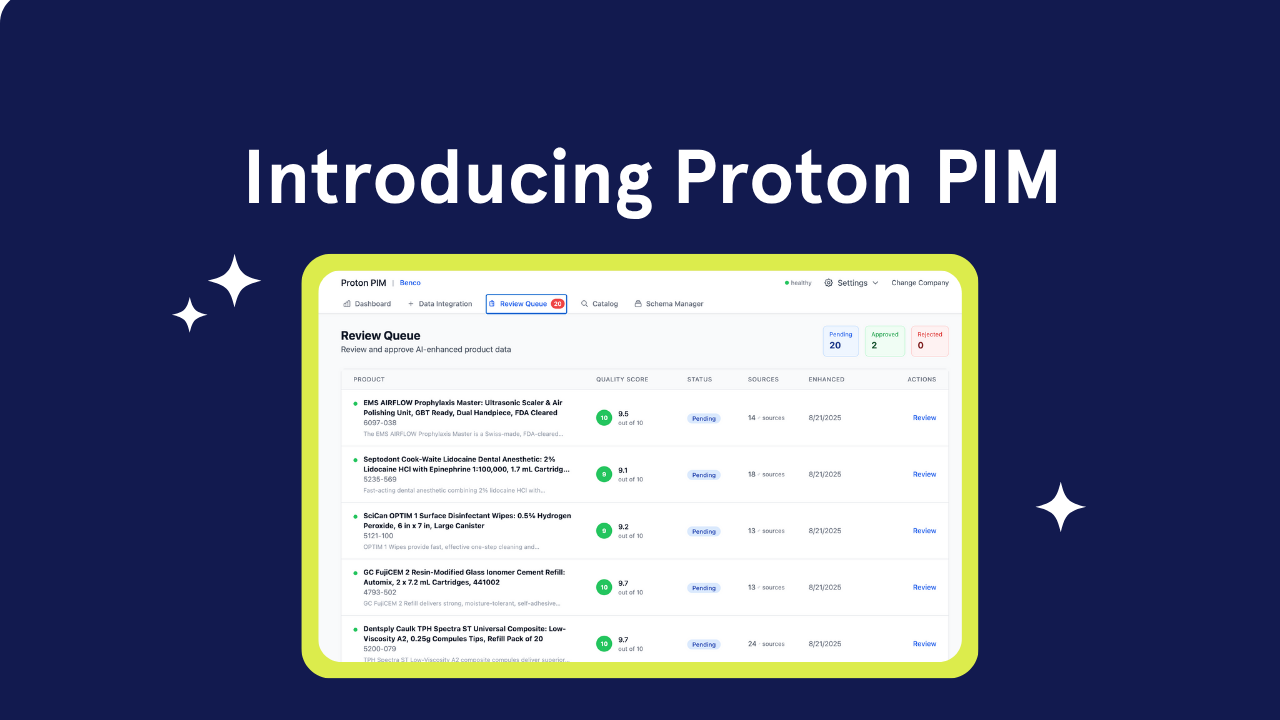
We’re building tools to clean up product information, so SKUs are consistent and easier to search. We’re upgrading how search works behind the scenes, combining smarter technologies that help Pronto find the right answers faster despite typos, duplicates, or missing context. And we’re working closely with our customers to test real-world questions, so we can catch where things go wrong and make Pronto better with every sprint.
This is also why Pronto isn’t a direct comparison to ChatGPT or Claude. Those models are incredibly sophisticated in their own right, but the kinds of queries Pronto takes on are different - rooted in messy, customer-specific data and business logic. It’s not an apples to apples comparison.
Think of it like this: using a generic model in distribution is like hiring a Michelin-star chef and dropping them into a disorganized, unfamiliar kitchen. Sure, the talent is there, but without labeled ingredients and the right tools, you probably won’t get the meal you were hoping for.
At Proton, we’re focused on giving AI the environment it needs to perform: clean data, clear context, and the right tools. So when Pronto steps into the kitchen, it can deliver exactly what you need. On time, and to order.




.png)